RigBridge version 3.11
November 2025
This document covers the release of software updates for RigBridge. This release primarily introduces major features. The new features are outlined in the detailed release notes section.
What’s new in RigBridge
External generic role (GEN) in edit and read modes
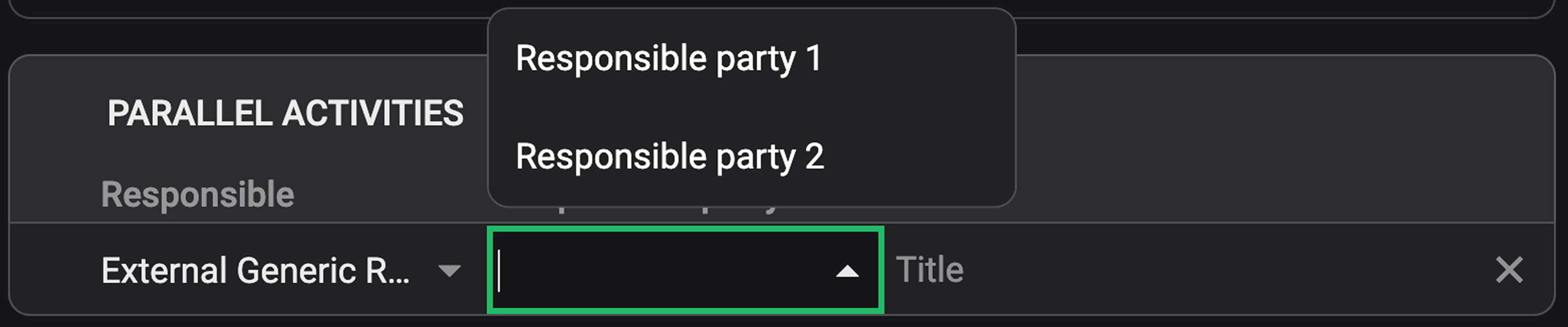
Responsible cells in Preparations, Parallel Activities, and Report Backs now support External Generic Role (GEN) selections. When selected in Edit Mode, a new "Responsible party" row is added for optional free-text input. Users can optionally assign a name from a dropdown list or create a new one, with all associated Preparations grouped accordingly.
Read more about Preparations, Parallel activities, Report back.
Insert, upload, and manage image attachments directly in the Text editor
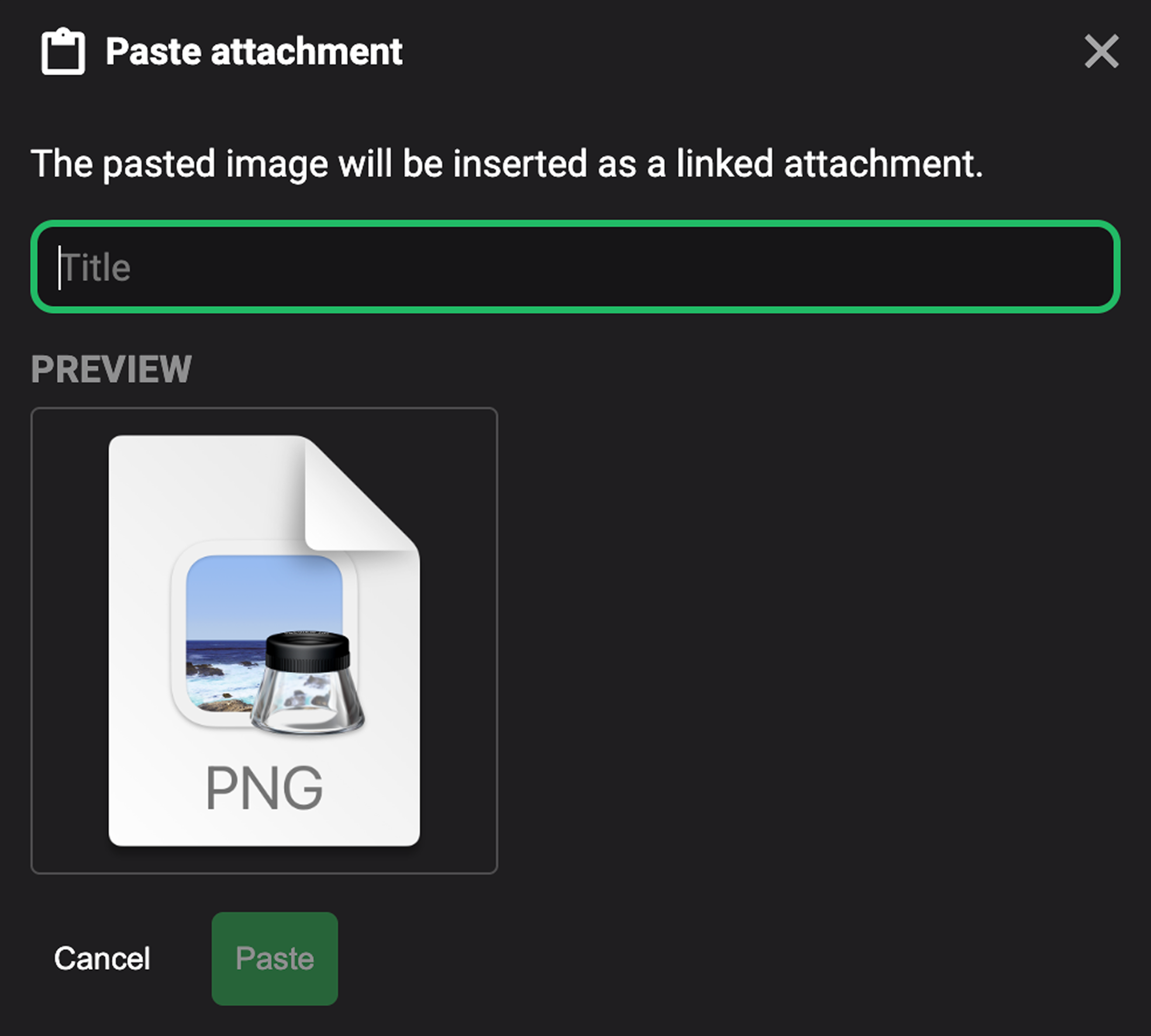
Users can now insert image attachments directly into the text editor using drag-and-drop, Ctrl+V, or right-click paste. An  Upload attachment option is also available under the link content icon, allowing users to insert images without leaving the text editor. Inserted and uploaded images appear as links in the text and are automatically added to the Attachments tab.
Read more about Attachments.
Support for regular dynamic text properties from DrillPlan
The list of dynamic text properties imported from DrillPlan has been expanded. These fields are supported and visible in RigBridge, enabling consistent access to structured data across modules.
Read more about References.
Support for complex dynamic text properties from DrillPlan
Complex dynamic text properties linked to BHA data are now supported. When table values in DrillPlan are recalculated, the corresponding values in RigBridge are automatically synchronized, ensuring consistency across modules.