Add or modify instructions when a plan is in draft state
RigFlow users can send review comments to RigBridge, and other users in RigBridge can add comments to your plan. This might prompt you to update your plan.
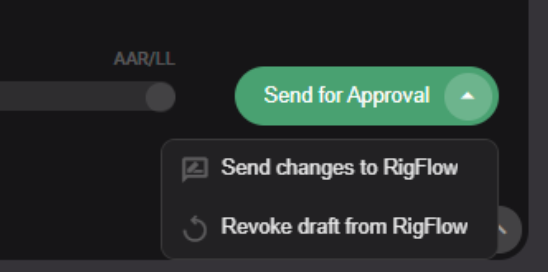
Your document is not locked for editing, so make your changes. When you are satisfied, you can send the updates to RigFlow using the progress bar button, click the drop-down arrow, and the option to Send changes to RigFlow.
Tip
This only describes the scenario where you have a DRAFT plan for offshore review. You can always edit a DRAFT plan, even without sending it to RigFlow.