Navigate Plan overview
Navigating the Plan overview effectively and managing your projects, events, and plans is done in the following way.
Main navigation areas
Plan overview: Shows a list of all projects or events.

Each column contains information about the project but is customized for your needs. Standard elements in a column will be a checkbox for choosing multiple projects, a Go to button to go deeper into the hierarchy, a Project title, and the possibility of setting a project to your favourite. See more under Favourites.
Sublevels in your project: Every project is divided into minor sections and subsections, according to your company's data model.
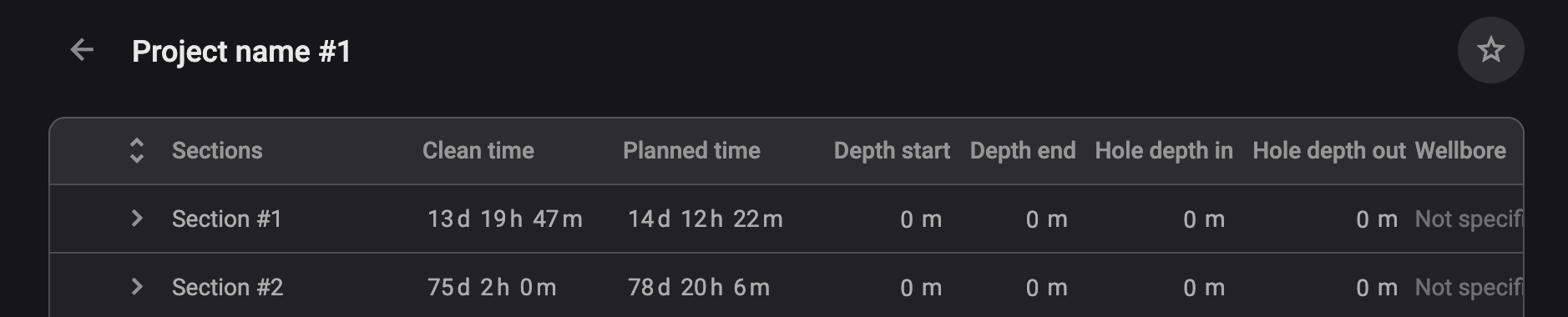
Each column contains information about the section. The section title is the only standard element; the rest of the fields are customizable. You cannot favourite sections/phases, only plans and projects/events.
Plans: Each section has plans that can be viewed and managed.
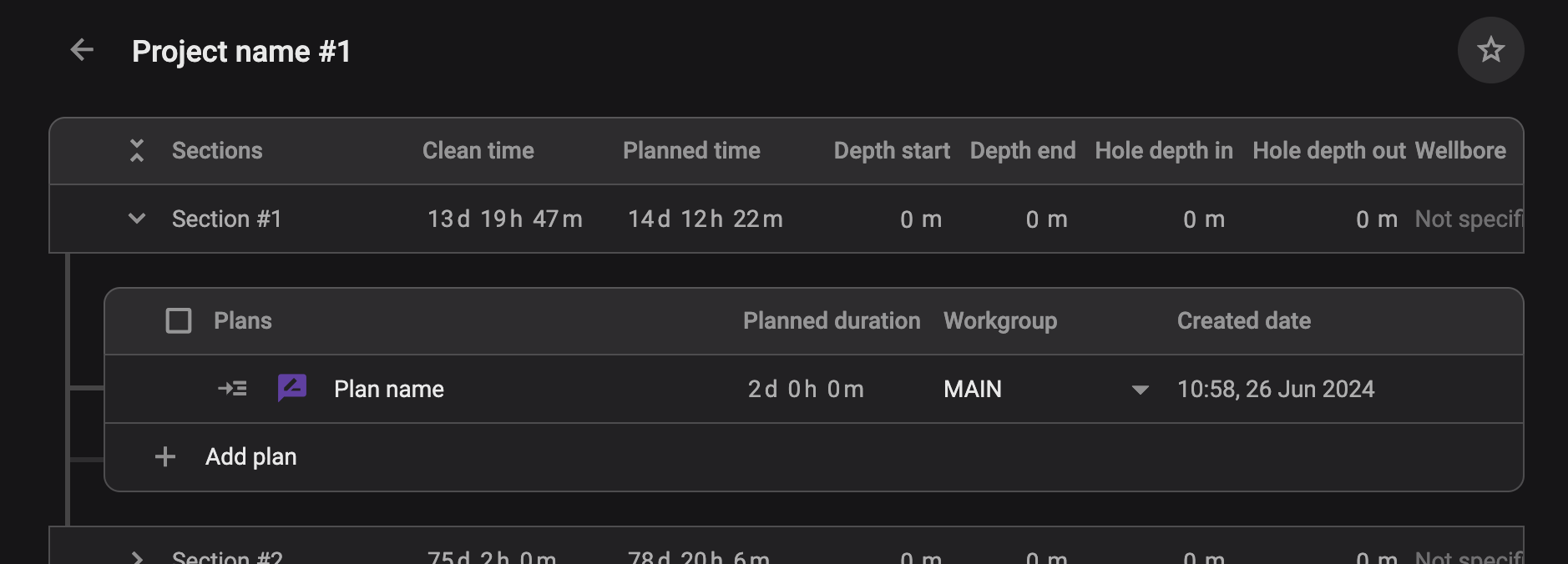
The last level in your hierarchy will contain your Plans. Standard elements in a column will be a checkbox for selecting multiple plans, a Go to button to show the plan in the Plan Editor, the plan title (editable), Planned duration, Workgroup, Created date, copy plan, delete the plan, and favourite.
Right sidebar
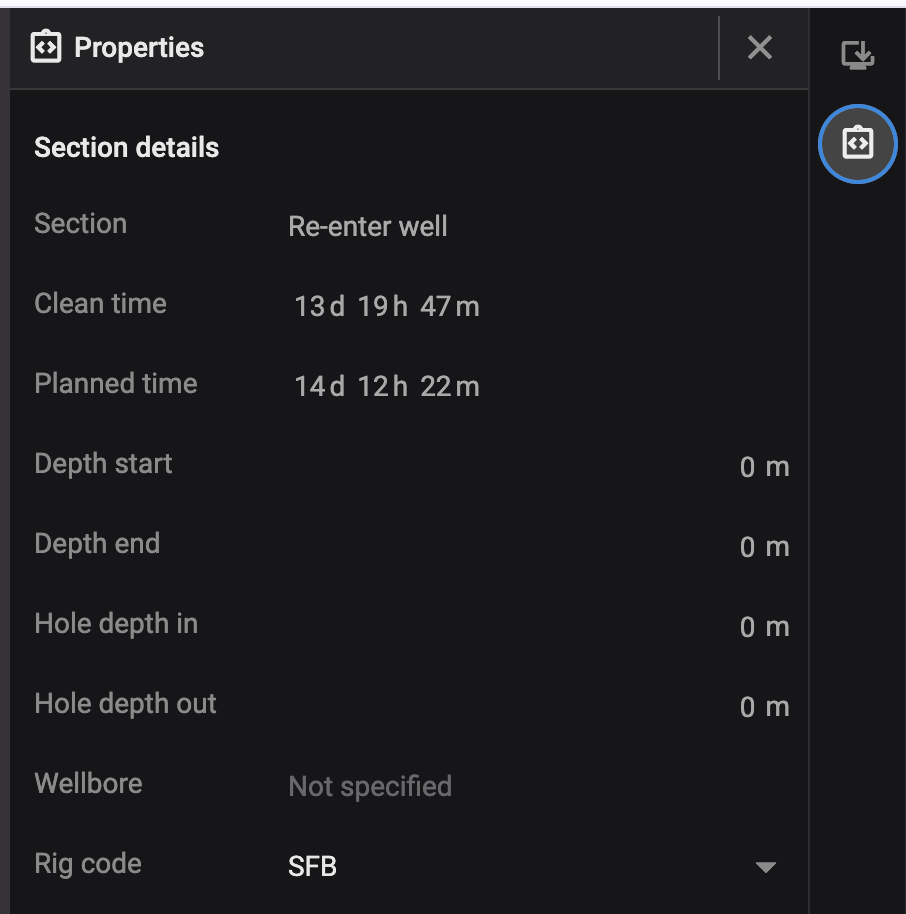
Using the project planner will present you with related tools, such as Integrations and Properties.
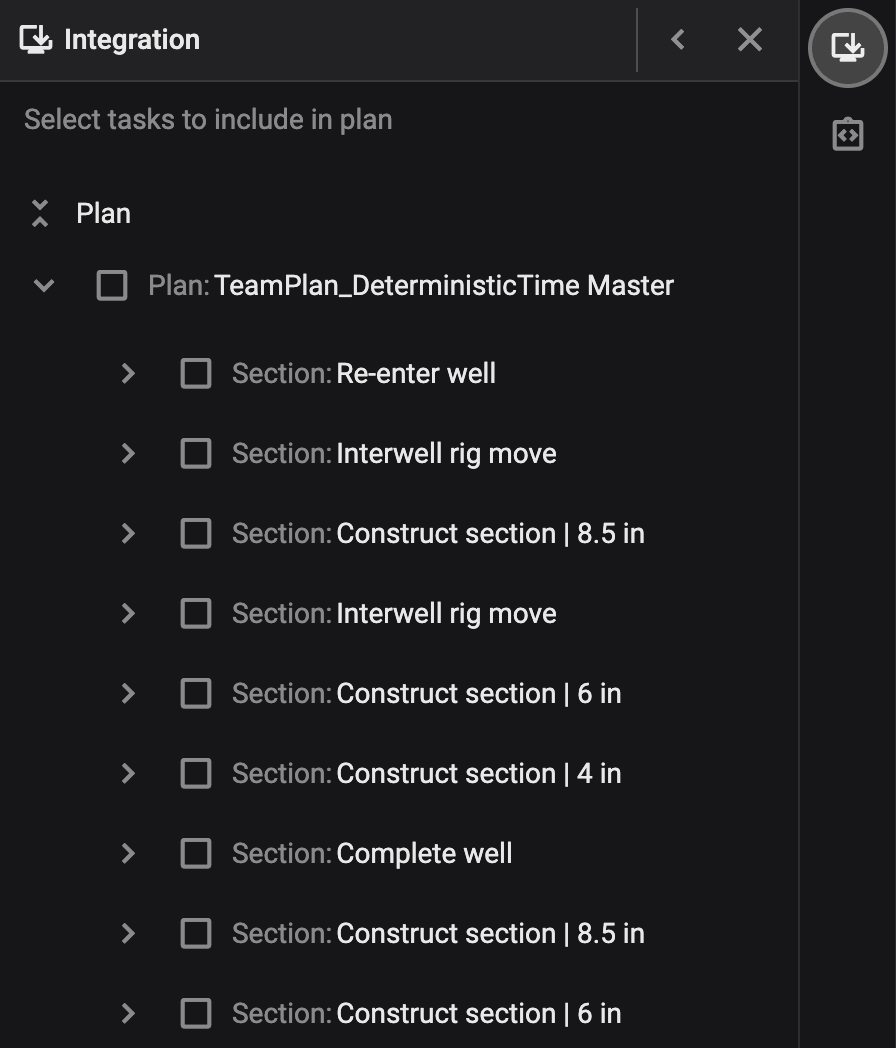
Integrations: Integration into existing planning tools, such as DrillPlan or WellCom, which help you to create new plans faster. How to use integrations.
Properties: Provide detailed information about projects, events, sections, phases, and plans. They are essential for organizing and managing data effectively within the Plan overview. Properties can be customized based on project or event needs. How to use properties.