Well configuration
The  Well configuration list can be found in the left-side panel. It is a feature that shows all the wells relevant to the customer and the well bores inside each well. The wellbores connect the sections in the project planner. This is limited to RigBridge admins only.
Note
The Well configuration can be a read-only list that is pulled from a third-party planning software,
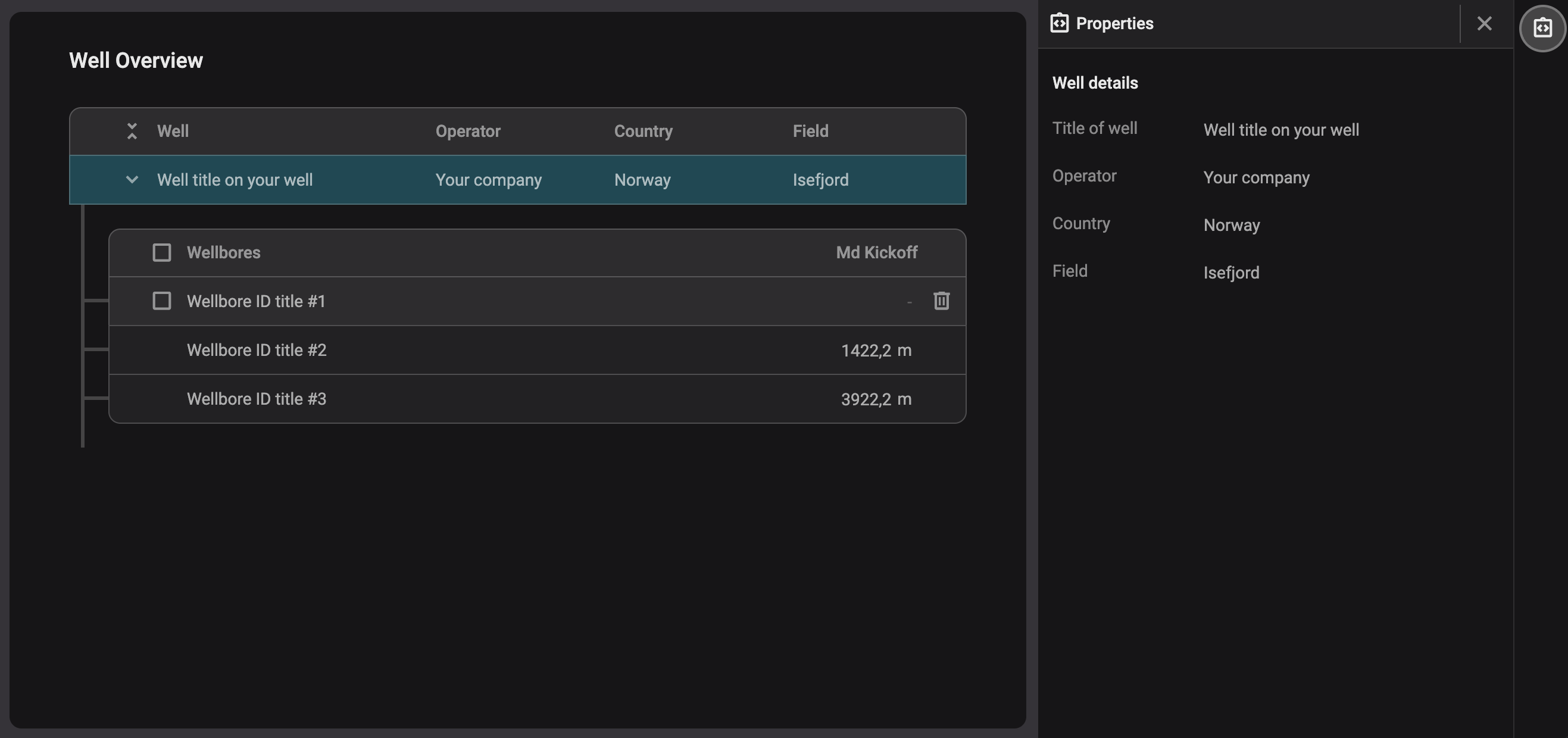
Well and Wellbore properties
The Well configuration's  properties are located in the right-side panel. It offers detailed metadata and specific information about each well and well bores listed in your third-party planning software.
This properties panel provides comprehensive details needed to make informed decisions regarding well and wellbore setup. All displayed information is customizable to meet your company's specific data requirements.
Create a new well
If you have permission to add a new well or do not have any integrations, you can add a new well in RigBridge.
Navigate to the Well configuration: Access the Well configuration from the RigBridge environment.
Select the Region: Select the correct Region.
Select the Field: Select the correct Field. If the field is not listed, send a request to our support team.
Add a new well: Select the option
 Add well.
Give the well a title: Provide a name for the new well (e.g., "Well #1 435-N").
Well created: The well is now created and can be located in the Plan overview.