Started/Active
After a plan has been published, RigFlow takes over execution. When the offshore team begins working with the plan, its status updates automatically to either Started or Active, depending on what's happening in the workflow. This phase represents live execution of the plan on the rig.
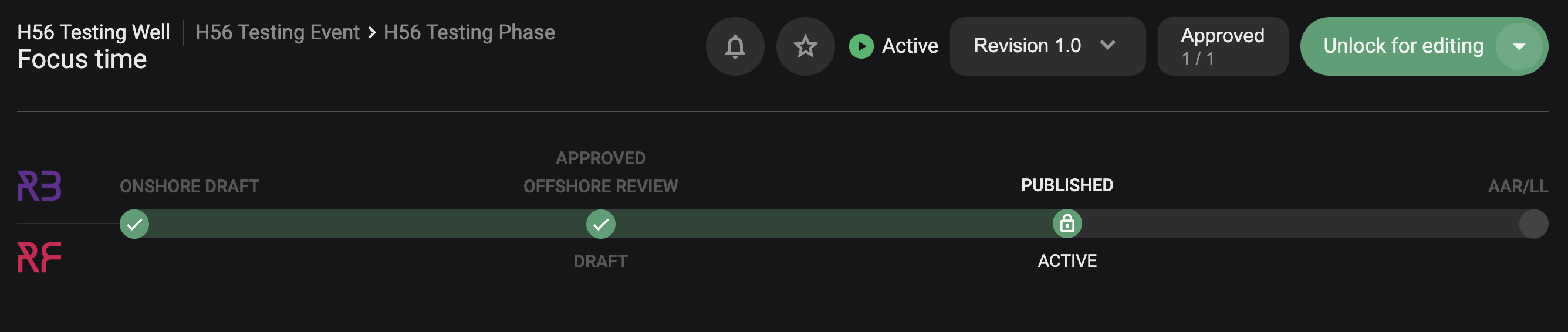
The following will happen in this state:
Status updates automatically: The transition to Started or Active is triggered by RigFlow, not manually in RigBridge.
Started: Indicates that this plan has been started on for execution, but another plan is currently Active. It’s ready, but not the one currently in progress.
Active: Means this plan is the one currently being executed. A step is in progress and the rig crew is actively working within it.
Unlock to update: If changes are required, click Unlock for editing, make your updates to unexecuted steps, and push them live to RigFlow.
Live tracking in RigFlow: The rig team uses RigFlow to execute the plan, and all progress is synced and tracked into RigBridge.