Copy a plan
Copying a plan (RAP, DOP, WWI) from another location can be a convenient way to begin with RigBridge. If there is no existing hierarchy in your well, you may need to create one before adding the plan.
Navigate to the desired plan.
Right-click on the plan and select
 Copy.
Copy.Return to a Phase where you want to place the plan.
Right-click on the bottom row, and choose
 Paste.
Select the plans to copy by selecting the check box for each plan.
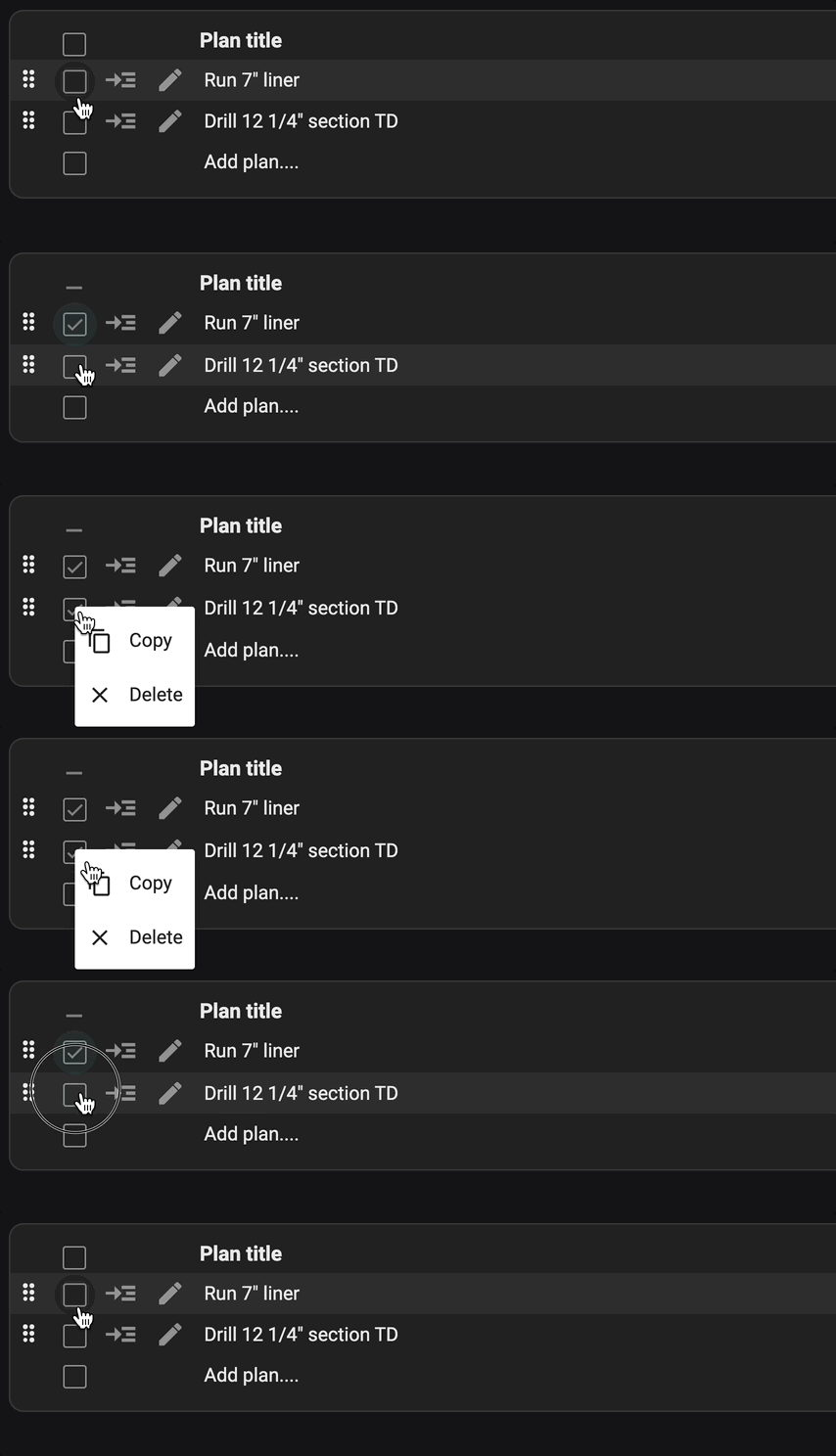
Right-click on the plan and select
Copy.Return to a Phase where you want to place the plan.
Right-click on the bottom row, and choose
Paste.
Tip
When attempting to duplicate all plans within a Phase by copying the Phase itself, only the Phase name will be copied, but its plan will not be replicated.
Note
When you duplicate a plan in RigBridge, and in the same environment (e.g. sandbox vs production), any insights that have been pinned or attachments to the plan will also be duplicated. However, it's crucial to understand that comments, including insights that are unpinned, are linked to a specific plan and won't transfer over when the plan is copied.